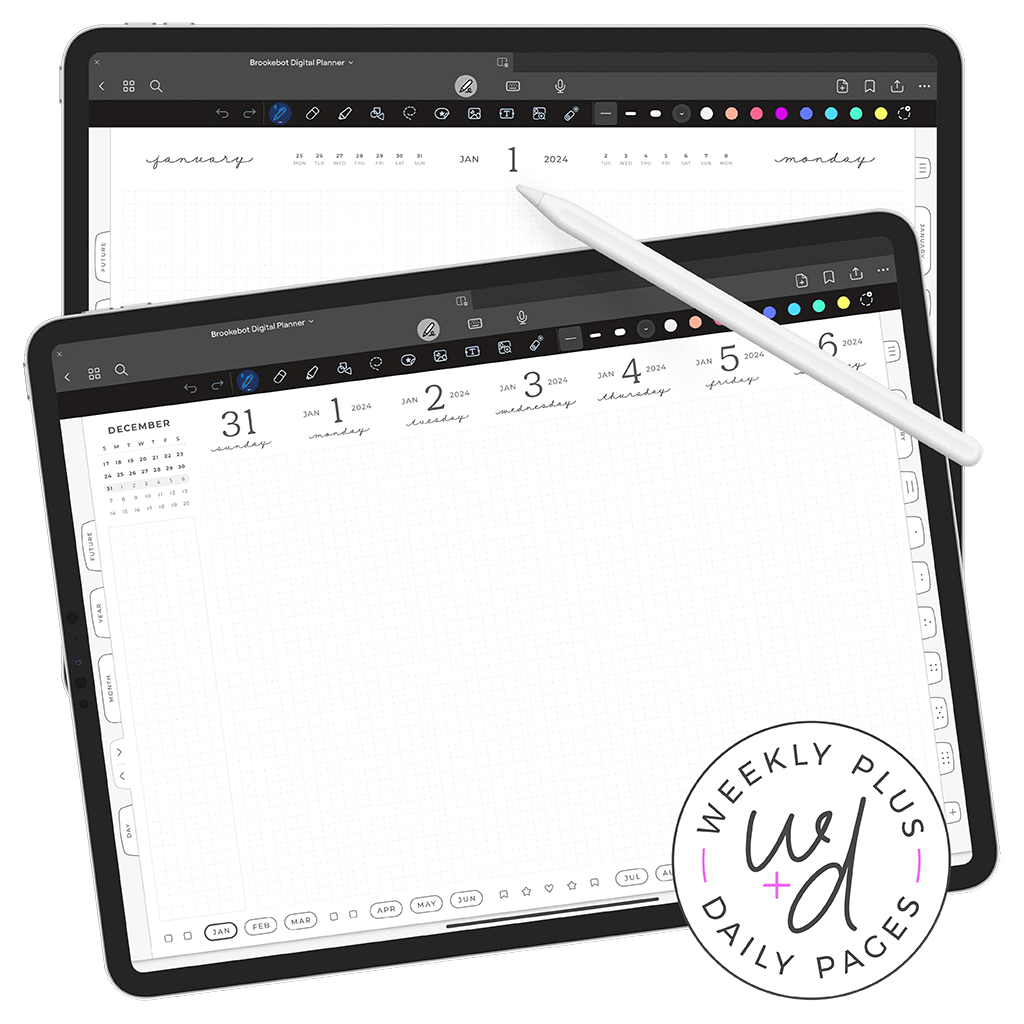
out of your head & into view — make space in your mind so clarity can surface
all planners are fully dated with months, weeks, and days ready to go — start planning right away with no setup required
build yours to suit your life, schedule, and planning style — mix and match week & day layouts for your optimal combo
thousands of tappable links form a consistent framework across all pages for fluid navigation without swiping
page types, layout options, and link framework are shown on the planner’s dedicated page
physical paper provides freeform writing space but lacks a linking system that quickly transports you to exact locations
apps rely on rigid inputs like form fields and dropdown selections that force big organic thoughts into restrictive allocated zones
brookebot planners integrate flexible writing and beeline page navigation into a single unified digital environment
examples of flexible writing space and direct navigation are shown on the planner’s dedicated page
tap links within your current view to jump straight to the page you need without swiping through pages one by one
jotting notes freely lets you record information instantly without losing nuance & without committing to a specific format
all content remains editable indefinitely — rewrite, clarify, and organize later or just skip refinement altogether
page screenshots and link locations are demonstrated on the planner’s dedicated page
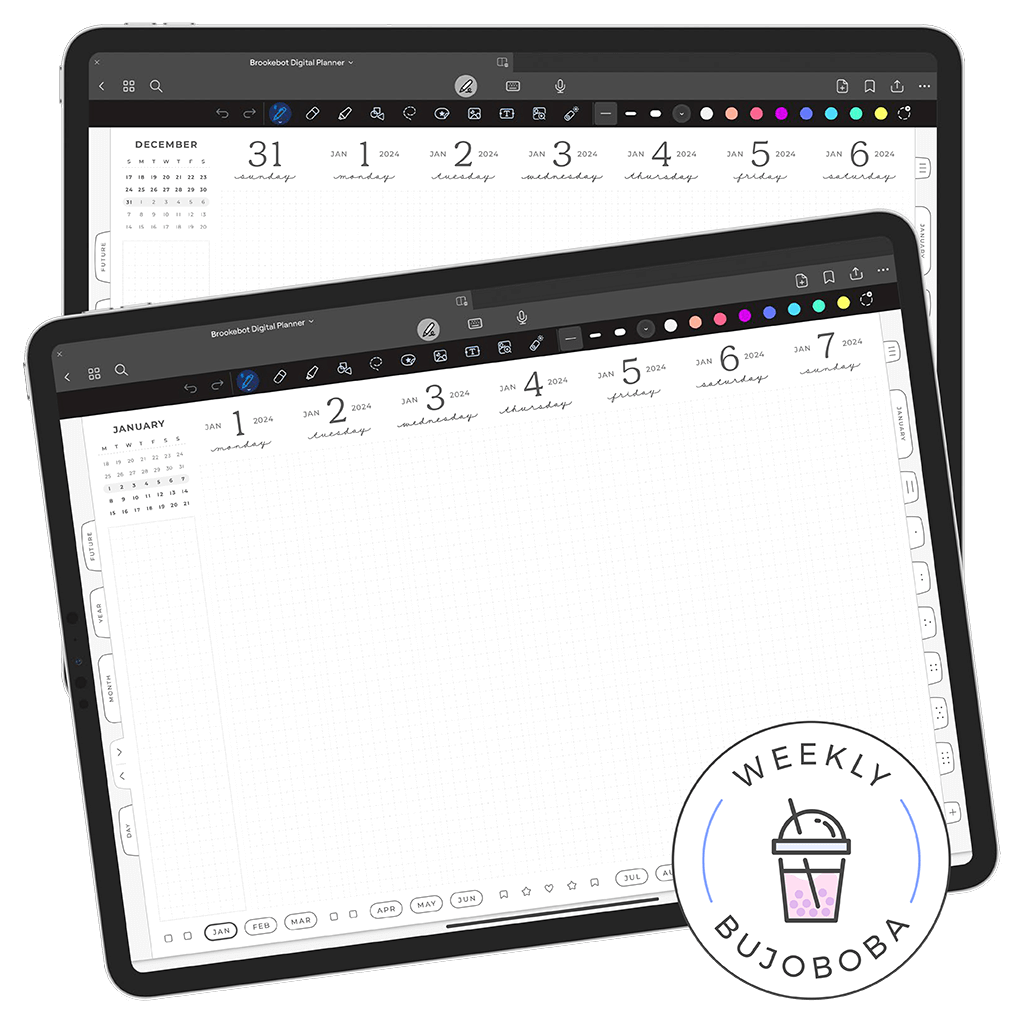
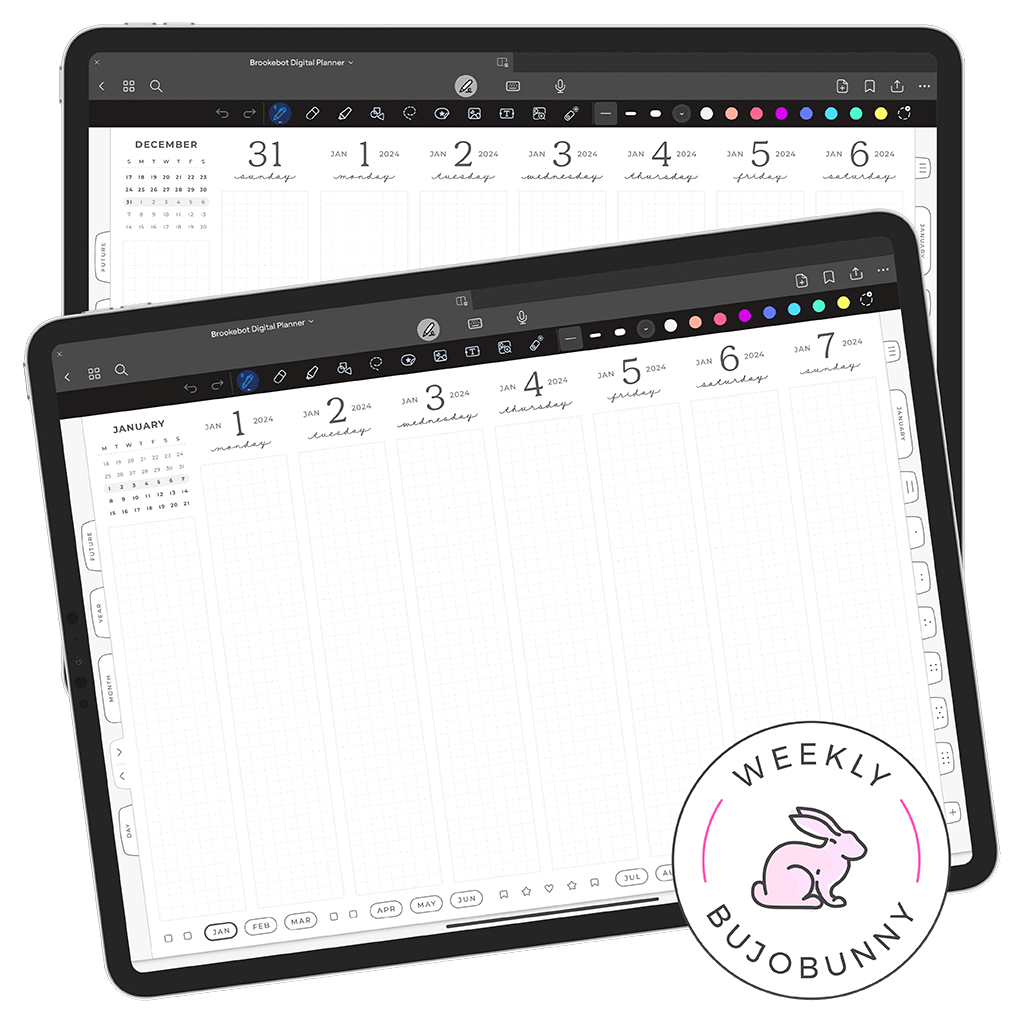
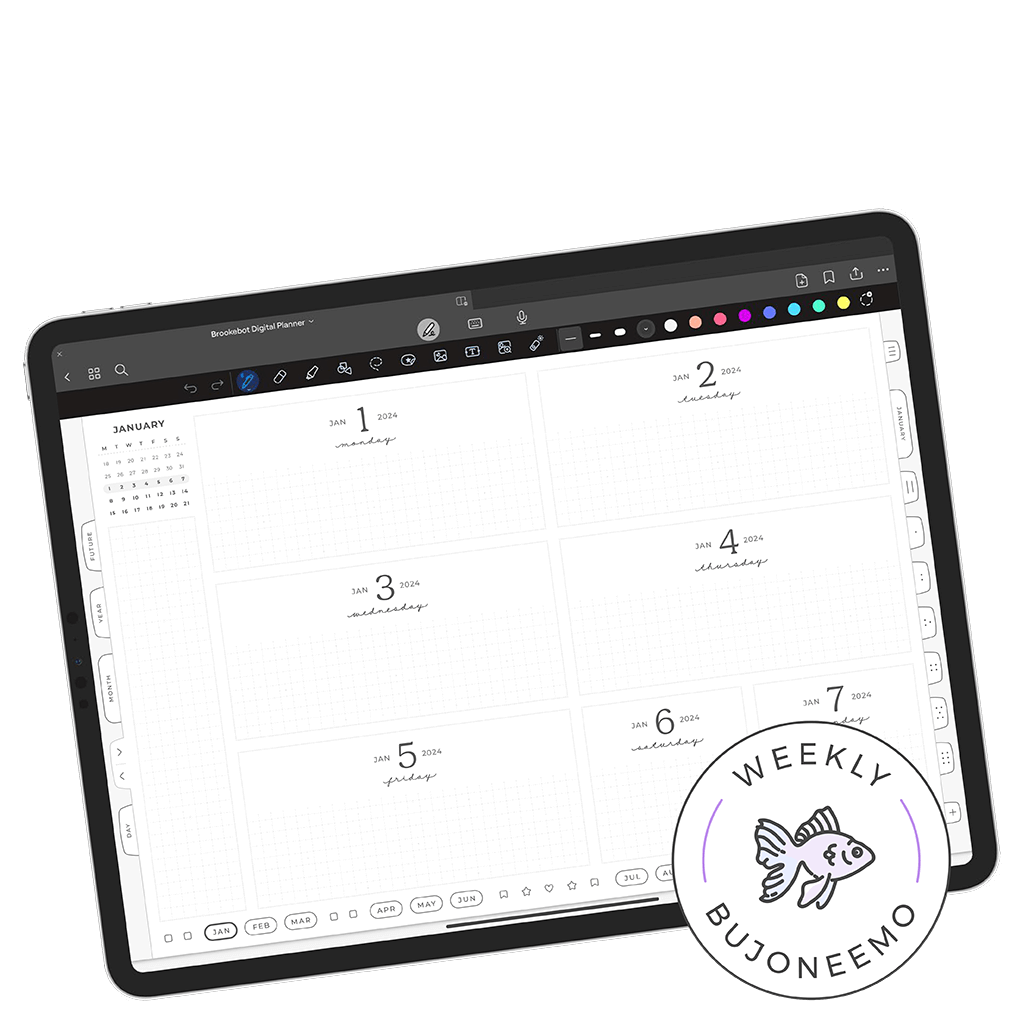
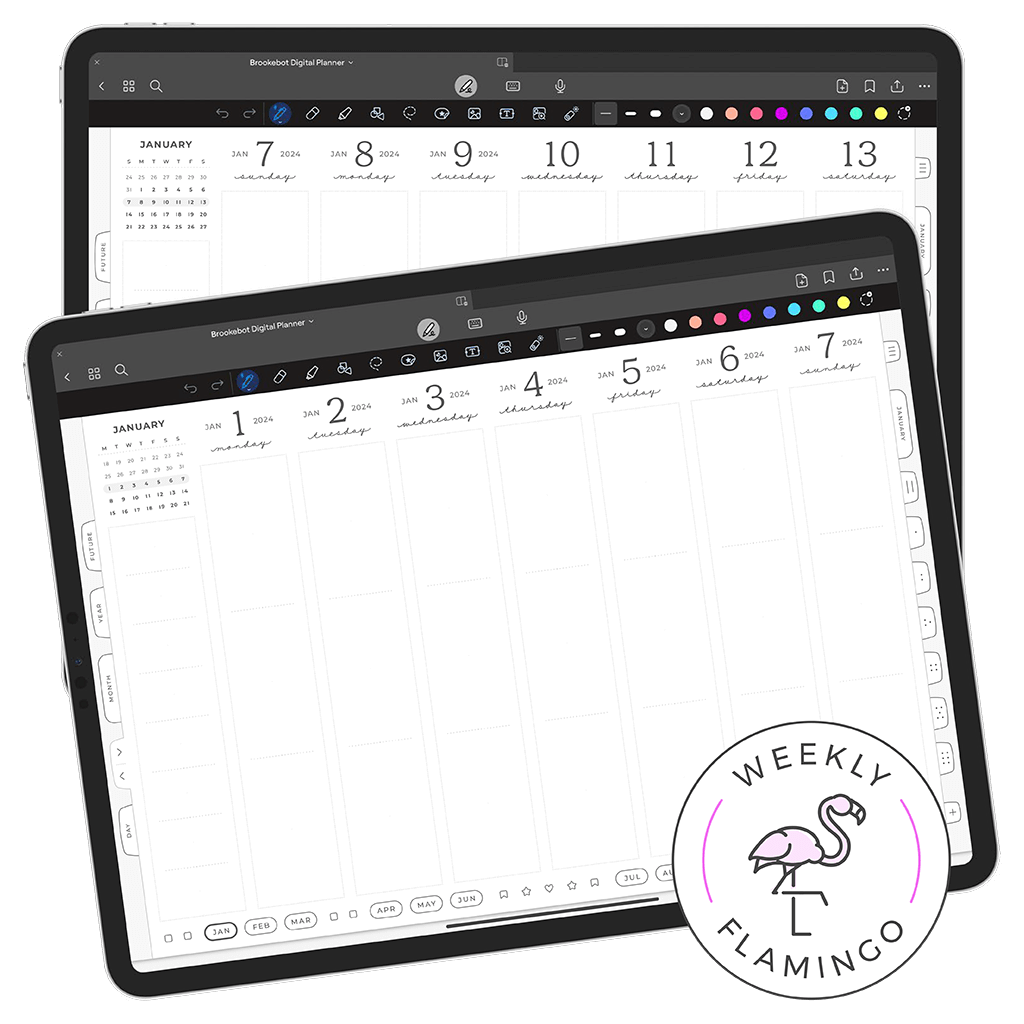
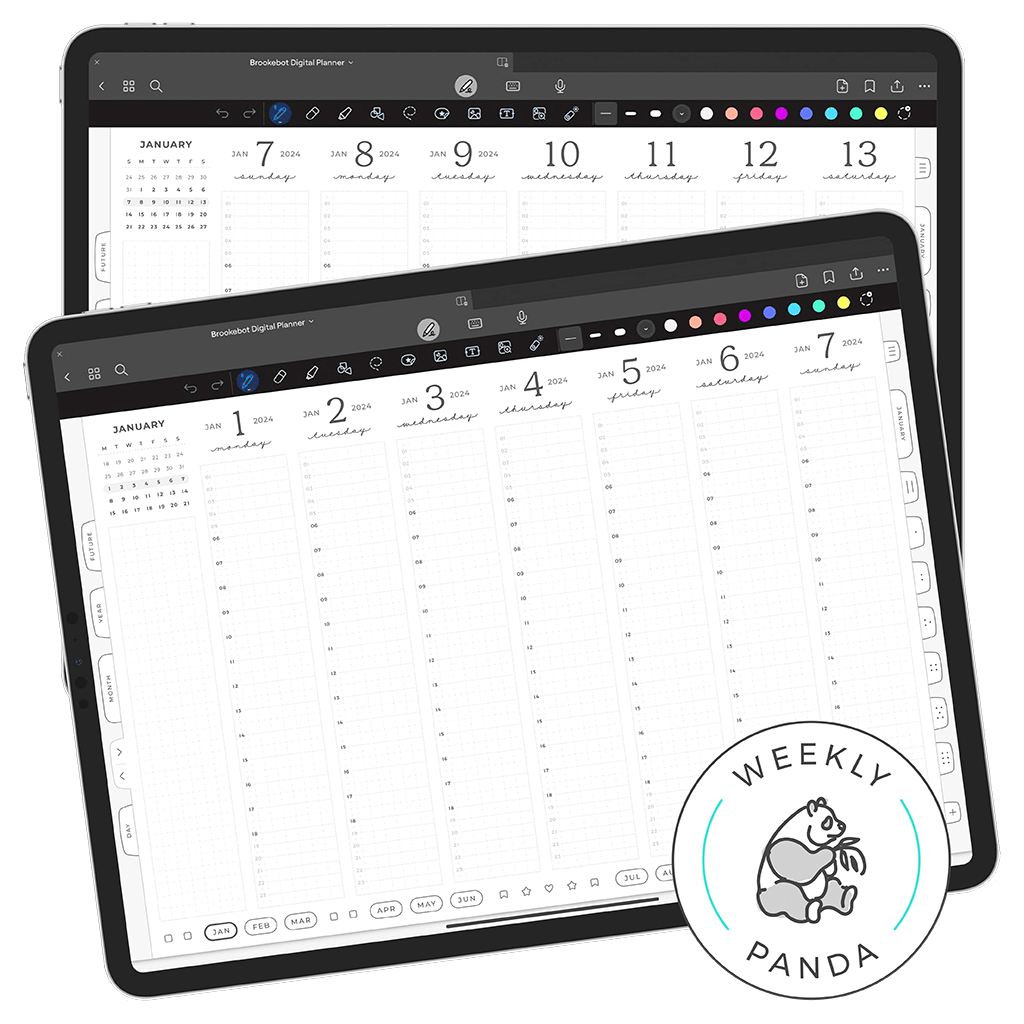
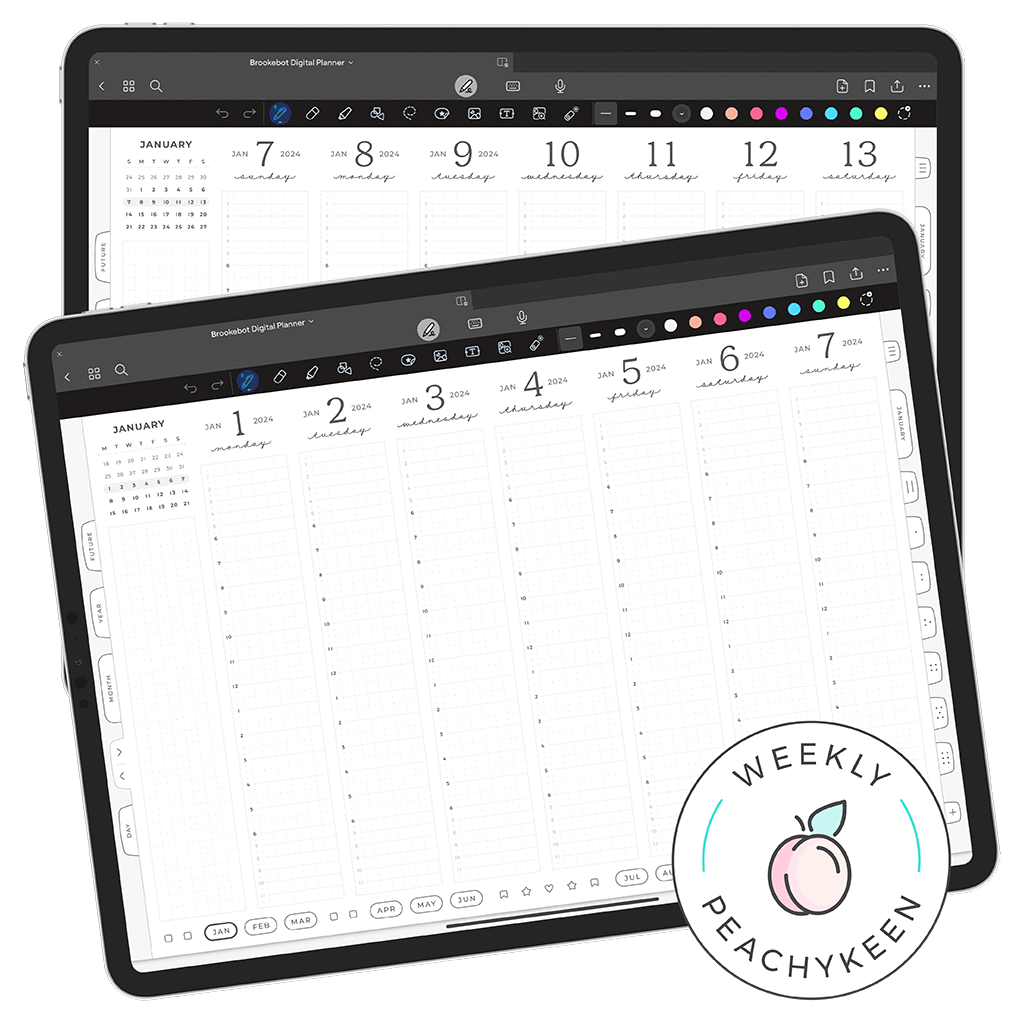
choose from six weekly layouts, each offering a different way to structure your week and visualize plans across a seven-day span
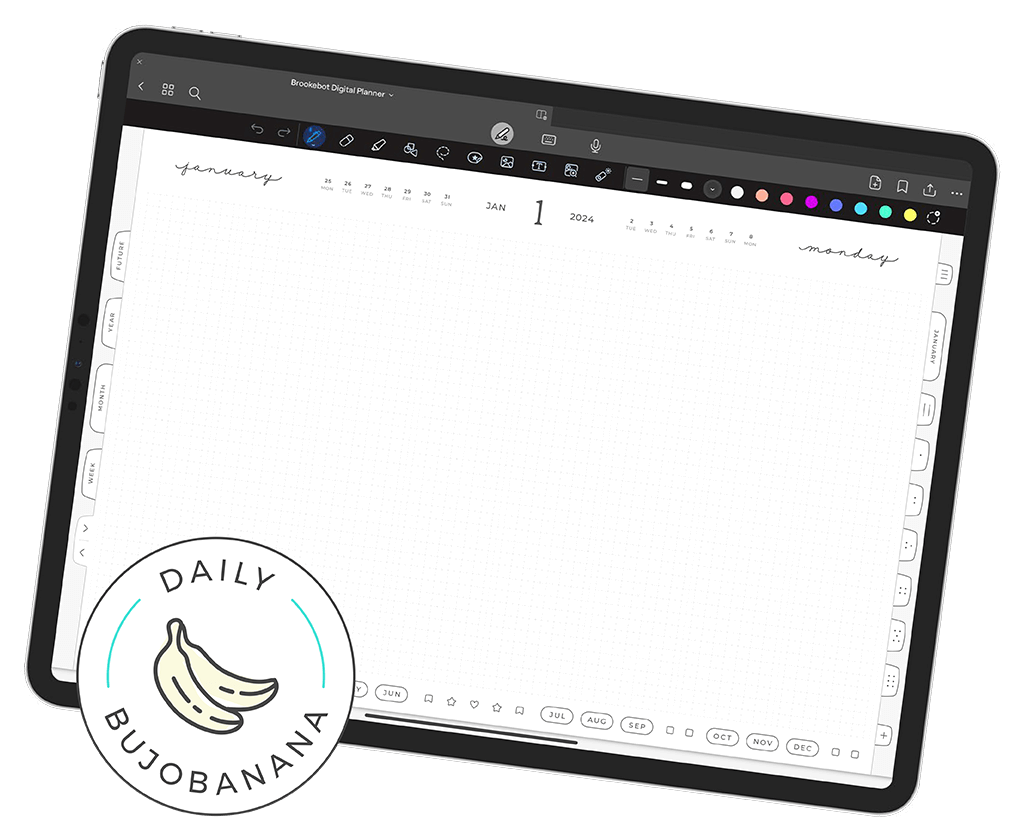
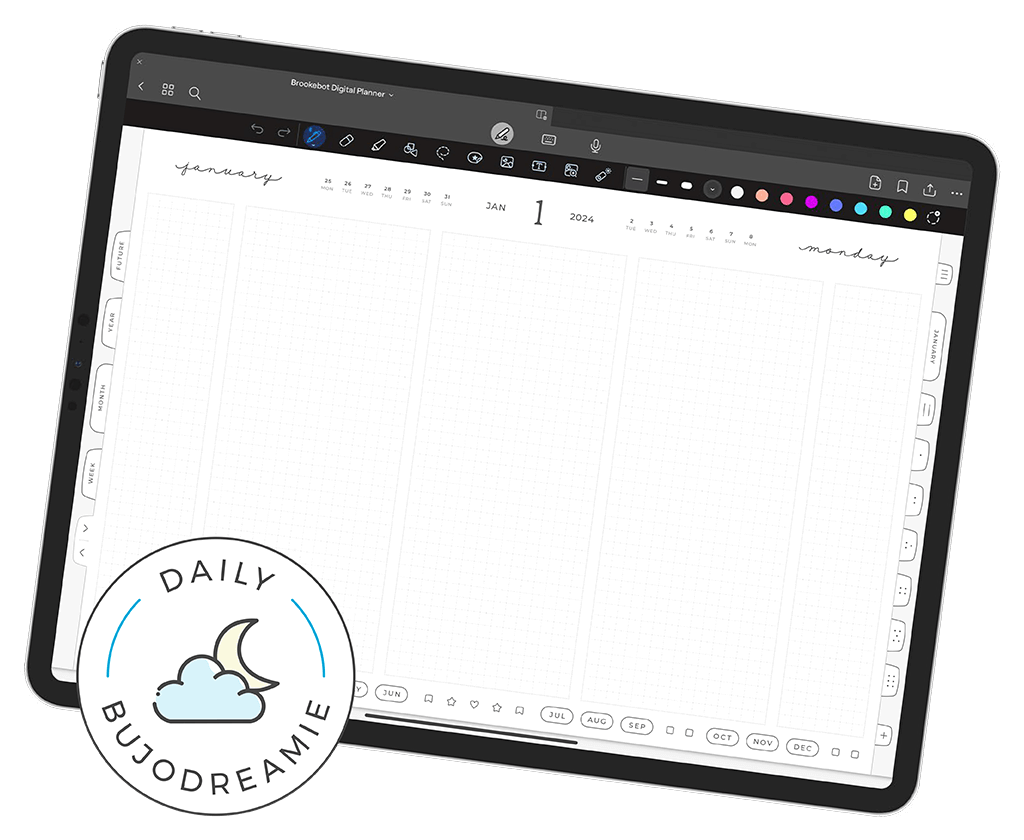
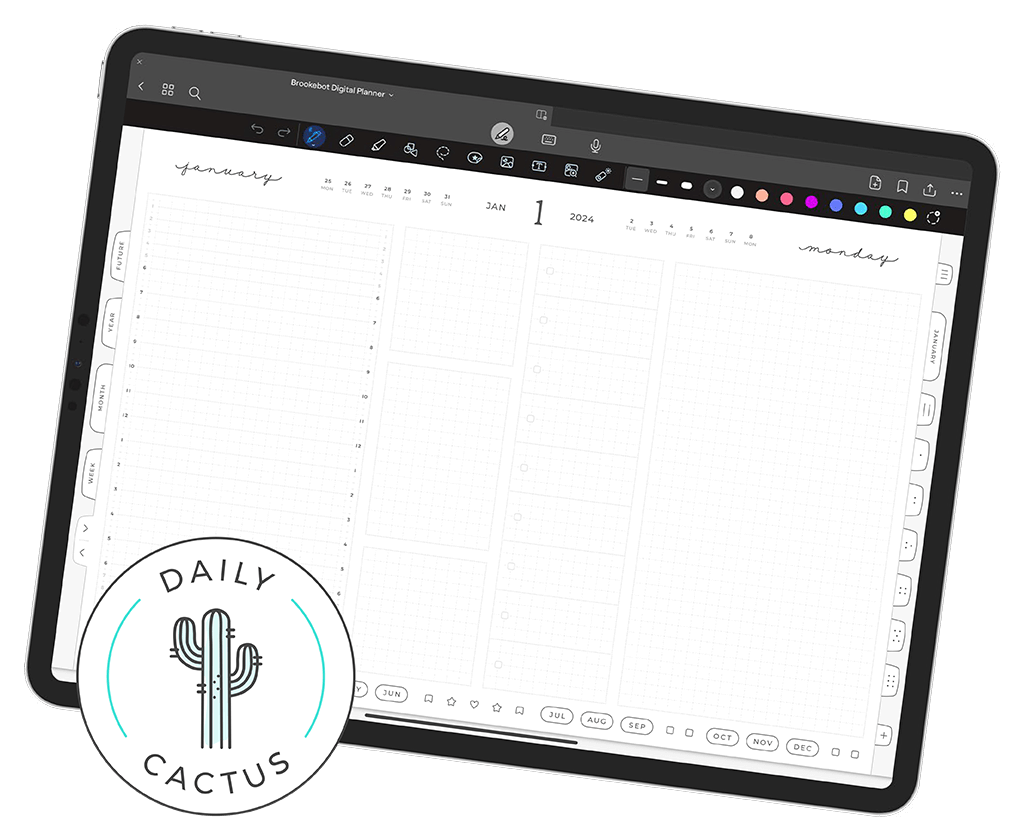
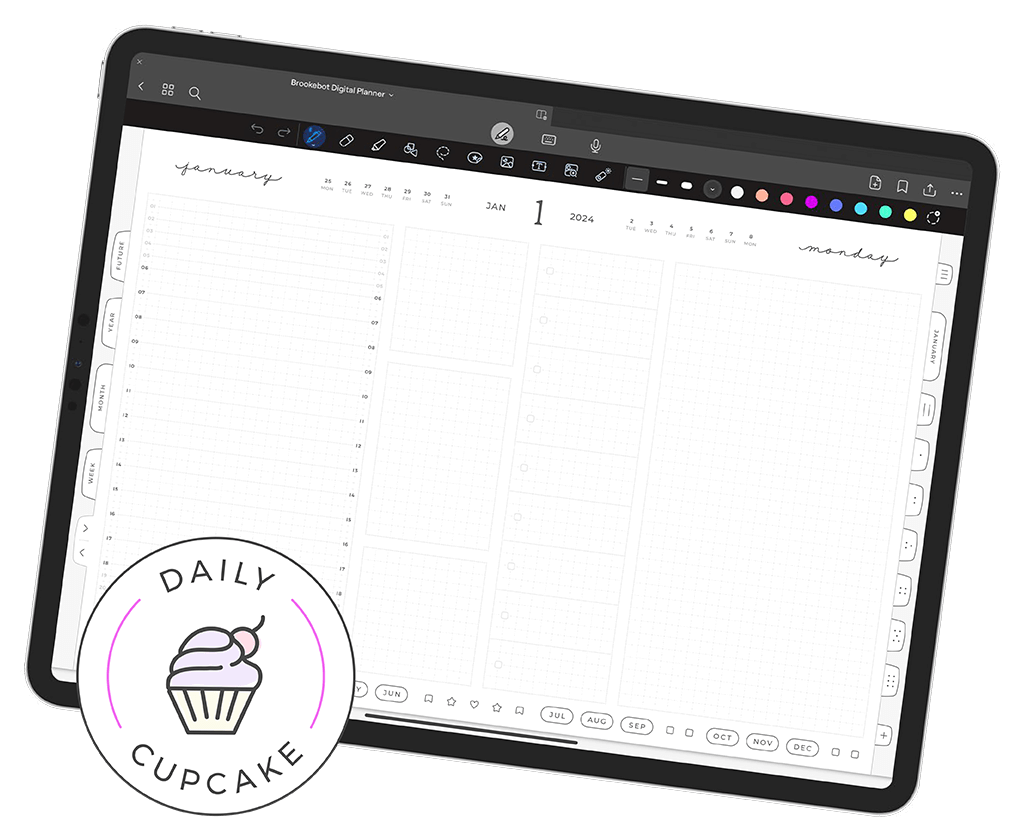
choose from four daily layouts, each shaping how a single day’s tasks, notes, and details are arranged on the page
customize day sequence for calendars and weekly pages independently & choose 00–24 or 12–12 time notation for any hourly layout
finer details of weekly & daily layouts are explained on the planner’s dedicated page
I don't just design & build these planners, I use my own every day for real planning — made for real life, not perfect routines
this reflects my personal use, shared for context — a reference point for finding a layout combo that supports your real life
the BujoBoba week & BujoBanana day have been my go-to combo since 2019 — wide open space for big ideas and shifting workflows
my older & perfectly capable iPad Pro 12.9-inch (3rd gen) + Apple Pencil (2nd gen) + Goodnotes (note-taking app)
your planner gives you a place to unload scattered thoughts so nothing has to stay stuck in your head competing for attention
you can jot everything quickly — even the messy, half-formed parts — instead of trying to organize it in your mind before you’re ready
you can move pieces around with digital tools, grouping similar thoughts and separating what doesn’t belong together
seeing everything on the page clears the fog — what matters rises to the surface and order falls into place
the space flexes with you, holding rough notes on chaotic days and clearer plans when your mind finally settles
it matches the way real thinking happens: get it out; shape it when you can; then act when the path becomes obvious
build the planner that matches how your mind works